AI transcription that turns recordings into usable text
Stenograph takes the audio and video you already have, from client calls and interviews to lectures and voice memos, and returns a transcript you can read, search and send. Your own vocabulary is applied, every speaker gets a label, every passage carries a timestamp, and the result exports to the format your work runs on.
 Listening
Why raw recordings sit unused
A recording is proof that a conversation happened, but it is a poor working document. Nobody scrubs through a ninety minute file to find the one sentence a client said about a deadline. Most people end up listening twice, typing notes by hand, and still misspelling the names that matter. Stenograph is built so the recording becomes text the moment you need it, with the words of your field spelled the way you spell them.
- Long files become readable pages with paragraphs and speaker turns
- Names, product terms and citations follow your dictionary
- Every line links back to the moment it was spoken
From file to transcript in three steps
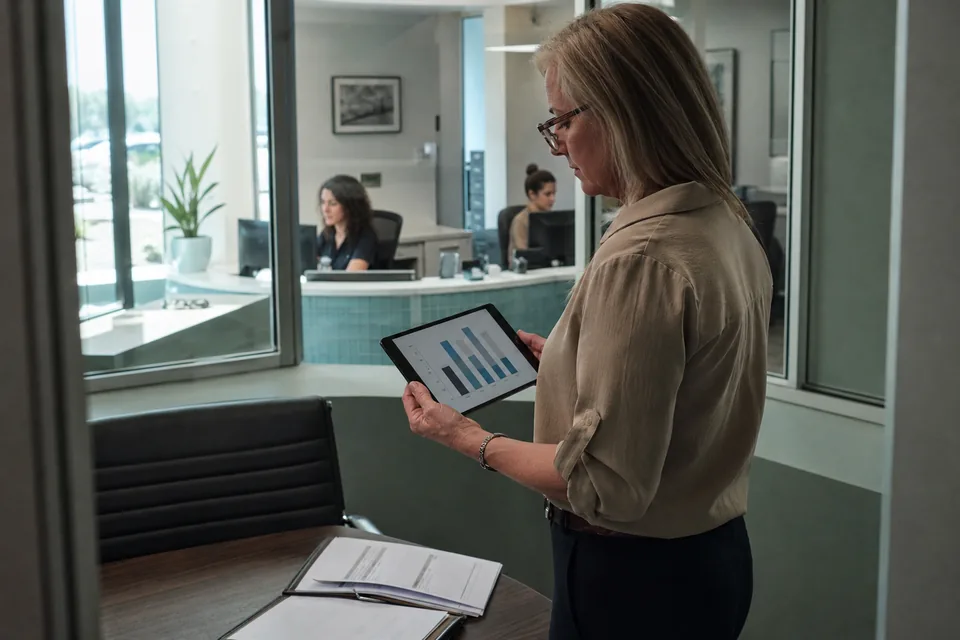
You upload an audio or video file in the web app or the desktop app for Mac and Windows. Stenograph recognizes the speech, applies your custom terms, separates the voices and formats the text into paragraphs. When processing finishes, the transcript opens next to a player, so a click on any line jumps to that point in the recording.
- Upload a recording or drag a file onto the window
- Pick the language, or leave detection on for mixed speech
- Review, rename speakers and export
What the AI transcription software does with your audio
Stenograph treats a transcript as a document, not a dump of words. Filler sounds and false starts are removed in the readable view, punctuation is added, and long monologues are broken into paragraphs where the speaker changes topic. The verbatim layer stays available when you need exact wording, for example when you quote someone in an article or a memo.
- Speaker labels you can rename once and apply to the whole file
- Timestamps on every paragraph, adjustable to every sentence
- Readable view and verbatim view of the same recording
- Search inside the transcript and jump to the audio
- More than 50 languages, including switching inside one sentence
Custom vocabulary for the words your field uses
General speech engines guess at unusual words, and the guesses land on exactly the terms you care about: a client surname, a drug name, a framework, a statute. In Stenograph you keep a personal dictionary and choose a professional vocabulary for legal, medical, software or finance work. The same dictionary you use for live dictation is applied to every file you transcribe, so a name you added once is spelled correctly in your emails and in your transcripts. Learn more about how this improves speech to text transcription software results for specialist language.
- Add names and terms with the spelling you want
- Choose one professional vocabulary on Solo, all of them on Pro and above
- Team plans share one dictionary across every member
Exports to Word, PDF, TXT and SRT
A transcript is only useful where you actually work. Stenograph exports to Word for editing and redlining, to PDF for filing and sharing, to plain TXT for pasting into any system, and to SRT subtitles with timing for video. Speaker names and timestamps travel with the export, and you choose whether to include them.
- Word with headings, speaker names and optional timestamps
- PDF ready to attach to a matter, a record or a report
- TXT for systems that accept plain text only
- SRT with cue timing for video editors and players
Who uses AI transcription in daily work
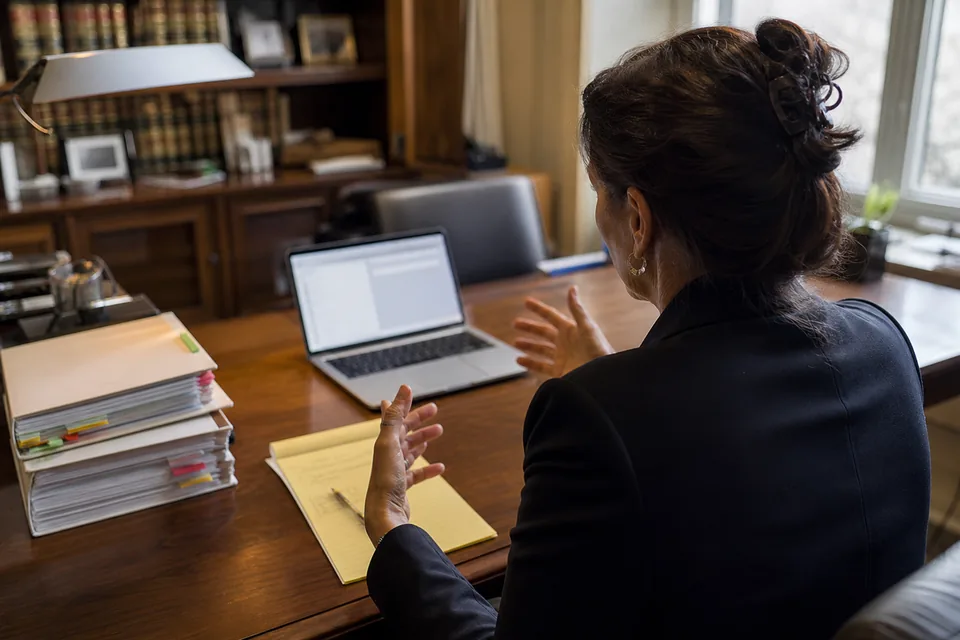
Attorneys transcribe client interviews and witness conversations to prepare memos. Clinicians turn recorded case discussions into letters, following their organization's policy on patient identifiers. Journalists and writers transcribe interviews and pull quotes with their timestamps. Managers and founders turn recorded workshops into written decisions. If your recordings are mostly meetings, the ai meeting note taker mode adds a summary, decisions and action items on top of the transcript. If you mainly work with uploaded files and subtitles, see audio transcription software.
What happens to your recordings
Each recording is processed, after which its audio is erased rather than kept. The transcript is yours: text history is optional, can be turned off and deleted at any time. Nothing from your recordings is ever used to train AI models. Transcripts and uploads are encrypted during transfer and in storage. Processing runs through AI model providers under contract, and nothing you upload becomes part of anyone's training set.
Transcription minutes per plan
Every plan includes a monthly allowance of meeting and file transcription minutes, shown in the app as you use it. Solo includes 300 minutes, Pro 900 minutes, Team 3,000 minutes pooled for up to five people, and Enterprise 10,000 minutes pooled for up to twenty people. The entry plan costs 24 USD per month on a yearly bill. A higher plan is the way to more minutes, there are no credits or top-ups.
| Plan | Transcription minutes per month | Price billed yearly |
|---|---|---|
| Solo | 300 | 24 USD per month |
| Pro | 900 | 49 USD per month |
| Team | 3,000 pooled | 149 USD per month |
| Enterprise | 10,000 pooled | 499 USD per month |
Questions about AI transcription
Which file formats can I upload?
Common audio formats such as MP3, M4A, WAV and OGG, and video formats such as MP4, MOV and WEBM. Stenograph extracts the audio track from video files automatically.
How long can a recording be?
Long files are supported, including recordings of several hours. Processing time grows with length, and the minutes count against your monthly transcription allowance.
Can I correct the speaker names?
Yes. Rename a speaker once, and every turn by that voice in the file updates. You can also merge two labels if one person was detected twice.
Does it keep my audio?
No. The audio is erased once processing ends. Only the text stays, and only if text history is on.
Can I test the transcription before subscribing?
Yes, the home page offers a one-time demo of the recorder. Every plan is paid, starting at 24 USD per month with yearly billing.
Turn your next recording into a transcript
Upload a file, apply your terms and export a clean document in minutes. Try the demo or pick a plan and start with the recordings already on your drive.