Dictation for lawyers who bill their time in writing
Attorneys write all day: client emails, research memos, demand letters, file notes and the first draft of a brief. Stenograph lets you speak those documents at the pace you think and get back formatted text with case names, citations and client names spelled the way the record needs them, right where your cursor is.
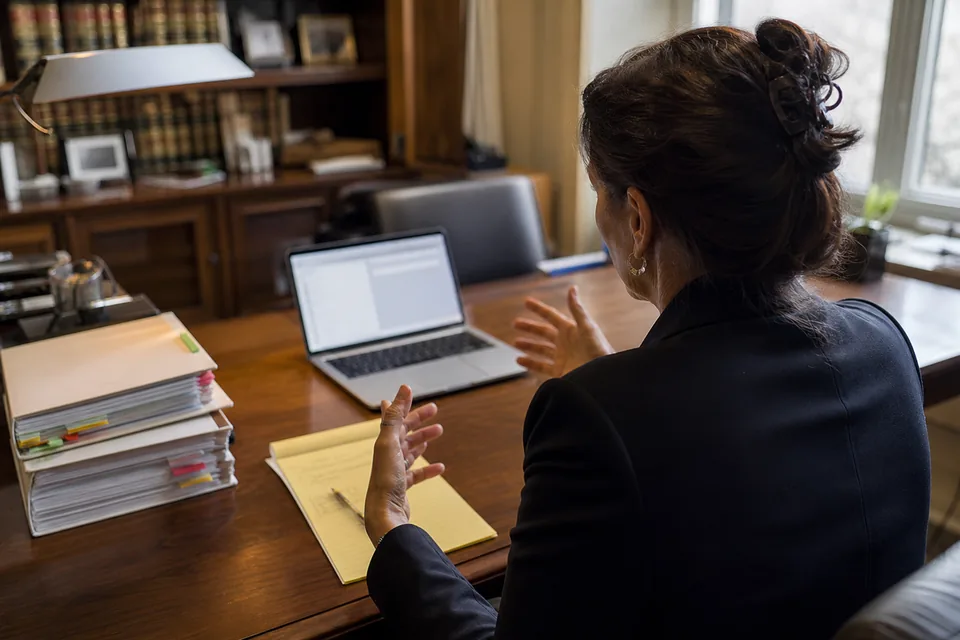 Listening
A typical day with Stenograph at a law firm
At 8:15 you open your inbox with a coffee. Twelve client emails need replies. You click into the first one, press the hotkey and talk through your answer. Stenograph writes it with a greeting, short paragraphs and your sign-off, and the client's unusual surname is spelled right because it is in your dictionary. Ten minutes later the inbox is clear.
At 10:00 you finish a call with a client about a lease dispute. Before the details fade, you open the matter file and dictate a file note. Saying "make that a list" turns the three open issues into bullets.
After lunch you work on a research memo. You dictate the analysis in paragraphs, saying citations naturally, and they appear as "Smith v. Jones, 512 F.3d 101 (9th Cir. 2008)" with the reporter abbreviation intact. A sentence runs long, so you say "make it shorter".
At 5:30 you record a short meeting with an associate on your phone, on the device, and Stenograph returns a summary with decisions and action items you paste into the matter.
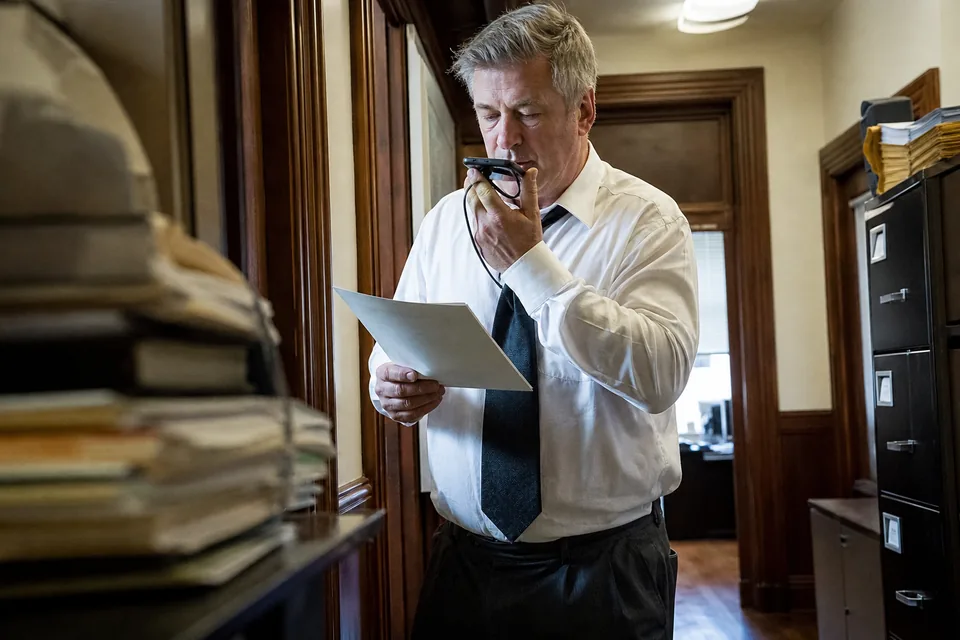
Legal vocabulary and citations spelled exactly
Stenograph includes a legal vocabulary with Latin phrases, procedural terms, court names and citation formats, and you add your own clients, matters, opposing parties and judges to a personal dictionary. Section signs, periods in reporter abbreviations and pin cites are kept in their written form. The custom vocabulary speech recognition page shows how terms are added and imported. For a broader look at the product for law practice, see the legal dictation software page.
- Case names and reporter citations in standard form
- Statute sections such as "42 U.S.C. § 1983"
- Client, matter and party names with exact spelling
- Latin terms such as "res judicata" and "inter alia"
Emails, memos and letters formatted for practice
Formatting does the work a legal assistant used to do on a dictated draft. Emails get a greeting and a sign-off, memos get a subject line and structured paragraphs, and lists are built when you enumerate issues or deadlines. In Outlook the style is formal, in your firm's chat it stays brief. You can set a firm letter style with your standard salutation and closing. Long drafts go straight into Word, covered on the dictation software for microsoft word page.
Confidentiality and how your words are handled
Lawyers need to know where client information goes. The microphone is on only while you speak, never listening in the background. Audio is processed and then deleted, it is not stored. Text history is optional, can be turned off and can be deleted. Your content is never used to train AI models, and data is encrypted in transit and at rest. Processing uses AI model providers under contract, and the dictation privacy page lists exactly what happens at each step, so you can assess it against your own professional obligations.
Which plan fits a lawyer or a firm
| Situation | Plan |
|---|---|
| Solo practitioner dictating emails and memos | Solo, 24 USD per month billed yearly, 1,500 dictation minutes, legal vocabulary |
| Heavy dictation plus client calls and recorded meetings | Pro, 49 USD per month billed yearly, 3,000 dictation and 900 transcription minutes |
| Small firm that wants one spelling of every client and matter | Team, 149 USD per month billed yearly, up to 5 seats with a shared dictionary |
| Larger firm needing SSO, audit log and invoice billing | Enterprise, 499 USD per month billed yearly, up to 20 seats |
Firms with several attorneys usually start with the shared dictionary for teams, so new associates get the firm's terminology on their first day. All prices are on the stenograph pricing page.
Questions lawyers ask
Does Stenograph store my clients' audio?
No. Audio is processed and then deleted. Text history is optional and you can turn it off entirely or delete it at any time.
Can it handle citations without me spelling out punctuation?
Yes. Say the citation the way you would read it aloud and Stenograph writes it in standard form, with the legal vocabulary switched on.
Does it work with the tools my firm already uses?
Stenograph inserts text at the cursor in any app on Mac and Windows, in browser based practice management and email through the Chrome extension, and on the phone keyboard.
Can I try it before paying?
Yes. The home page has a one-time demo where you can dictate a short memo with your own terms. Subscriptions open at 24 USD a month on the yearly Solo plan, and none of them is priced at zero.
Dictate your next memo instead of typing it
Spend your time on the analysis, not on the keyboard. Set up your legal vocabulary and start dictating today.