AI text formatting dictation that shapes your words into documents
Speech arrives as one long breath, with false starts, "um" and "you know" along the way. Stenograph listens to what you meant and writes the shape the document needs: paragraphs where your thought changes, a numbered list when you enumerate, an email with a greeting and a sign-off, a memo with a subject line. You read it once and send it.
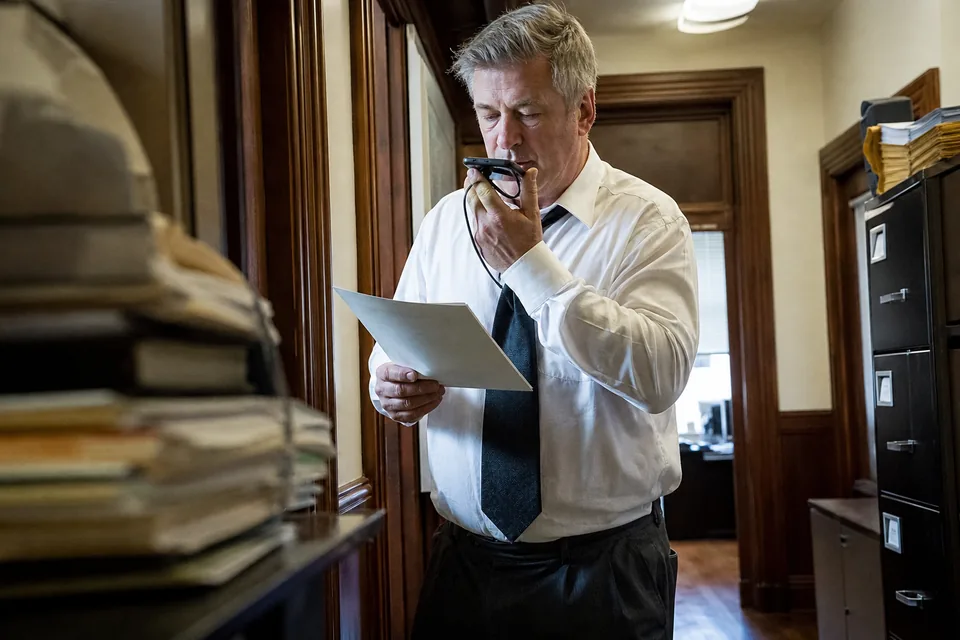 Listening
The trouble with a raw transcript
A word for word transcript is accurate and still unusable. It has no paragraph breaks, few commas, every hesitation you made and none of the structure you had in your head. Turning that block into an email or a set of notes often takes as long as typing it would have. Stenograph closes that gap in the same moment the text is written, so what lands at your cursor already looks like something you would have typed with care.

Structures Stenograph builds while you speak
- Paragraphs, split where your topic shifts rather than at random pauses
- Bulleted and numbered lists, created when you enumerate items or say "first", "second", "third"
- Emails with a greeting, a body in short paragraphs and a sign-off with your name
- Memos with a subject line, a short summary and the supporting points beneath it
- Notes with headings and bullets, suited to calls, interviews and visits
- Punctuation, capitalization, numbers, dates, times and currency written the standard way
You choose a default format in the app, or let Stenograph read the context. In an email draft it writes an email. In a document it writes paragraphs. The dictation writing styles page explains how the tone and format adapt to each app.
Filler words and false starts removed
People rarely say a sentence cleanly on the first try. Stenograph drops filler words, repeated words and the half sentences you abandoned, and keeps the version you finished. When you correct yourself mid sentence ("send it Tuesday, no, Wednesday"), the text keeps the correction and not the slip. Your meaning, your terms and your facts stay as you said them. Formatting never adds claims you did not make and never removes content that matters. Names and terms from your dictionary keep their exact spelling through every step, as described on the custom vocabulary speech recognition page.
Before and after one dictated email
Here is what you say, as plain lines, followed by what Stenograph writes into the email.
What you say:
"um hi Dana so about the Henderson lease I looked at it and uh there are three things first the renewal clause is missing second the deposit is two months not one and third they want us to cover repairs over five hundred dollars which I don't love let's talk Thursday thanks"
What lands in the draft:
Hi Dana,
I reviewed the Henderson lease. Three points stand out.
- The renewal clause is missing.
- The deposit is two months, not one.
- They want us to cover repairs over 500 USD, which I would like to push back on.
Let's talk on Thursday.
Thanks,
Alex
The words are yours. The greeting, the list, the punctuation and the sign-off come from Stenograph.

Adjust the result without touching the keyboard
If a draft needs a change, say so. "Make that a list" restructures the last passage, "make it shorter" tightens it, "more formal" raises the register and "new paragraph" breaks the text where you are. The full set of commands is on the voice commands for dictation page. Most edits take one sentence and the original stays available until you accept the new version.
Formatting in every app you write in
Formatted text is inserted at your cursor in any app on Mac and Windows through the desktop app and its global hotkey, in web apps through the Chrome extension and on your phone through the iPhone and Android keyboard. That covers email clients, word processors, chat, notes apps, CRM fields and browser forms. People who write long documents often start on the dictation software for microsoft word page, which covers headings and styles in Word specifically.
Questions about formatting
Can I turn formatting off and get the literal words?
Yes. Choose "Verbatim" as the format and Stenograph inserts exactly what you said, with punctuation only. This is useful for quotes and statements that must stay word for word.
Does formatting change my meaning?
No. Stenograph structures and cleans the text, it does not invent facts, add claims or drop points you made. If a sentence is ambiguous, it keeps your wording.
Does formatting count against my minutes?
Formatting is included in your dictation minutes. Solo includes 1,500 dictation minutes per month and Pro 3,000, with pooled minutes on Team and Enterprise. Limits are shown in the app.
Can I see it on my own words before I subscribe?
Yes. The one-time demo on the home page lets you record a short passage, choose a format and see the result. Plans start at 24 USD per month billed yearly.
Speak once, send what you said
Stop rebuilding transcripts by hand. Let Stenograph write your lists, emails and memos while you talk.