Dictation for writers who think faster than they type
Writers, journalists and creators often know what they want to say long before their fingers catch up. Stenograph lets you talk a draft into existence in clean paragraphs, keep names and places spelled right, and turn recorded interviews into transcripts with speaker labels and timestamps you can quote from.
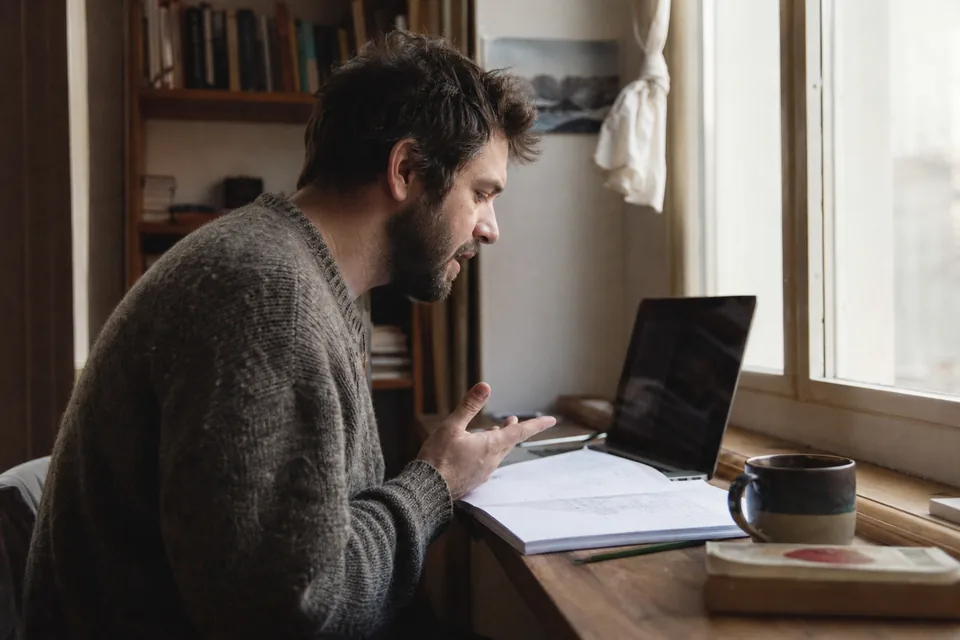 Listening
A typical writing day with Stenograph
In the morning you walk with your phone and talk through the opening of a feature. Back at your desk, the draft is waiting in your notes app, already split into paragraphs where your thought moved on.
Mid morning you open the draft in your document editor and keep going with the desktop app. When a passage drags, you say "make it shorter", and when you lose a sentence, "delete the last sentence".
At noon you interview a source in a café and record it on your phone. In the afternoon you open the transcript: two speakers labeled, timestamps every few lines, the source's name spelled the way she wrote it in her email because you added it to your dictionary.
In the evening you pull three quotes, check them against the timestamps and file the piece. You spent the day writing, not typing.
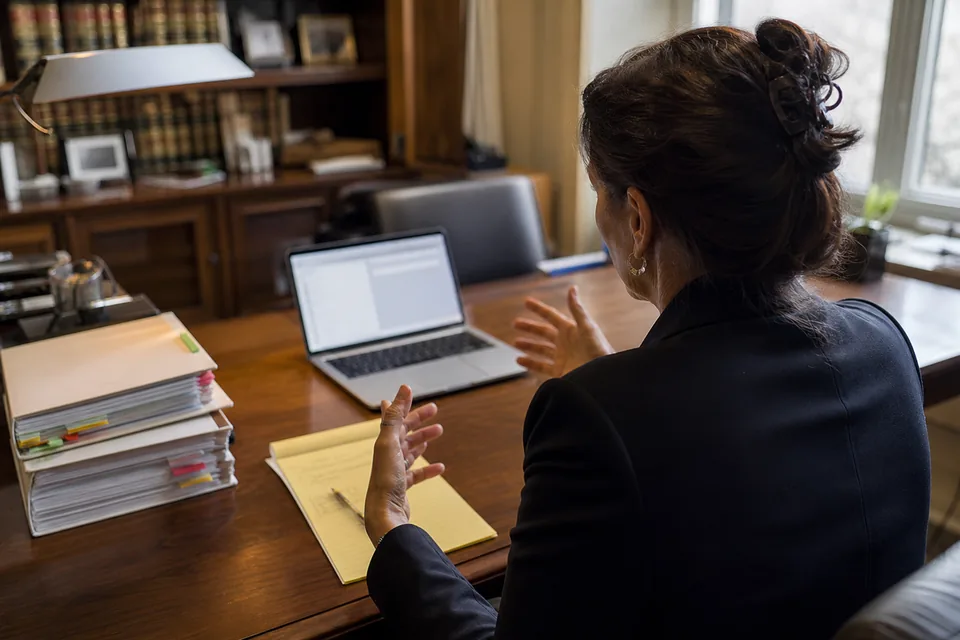
Long drafts in real paragraphs
Long form dictation fails when the output is a single wall of text. Stenograph builds paragraphs where your topic shifts, adds punctuation that follows your rhythm and removes the filler words and false starts that come with thinking aloud. In Word and other document editors the style keeps full paragraphs and a document tone, explained on the dictation writing styles page. You stay in the flow and edit with your voice, using commands from the voice commands for dictation page.
- Paragraphs split by meaning, not by pauses
- Dialogue and quotations kept as spoken
- Filler words removed, your voice kept
- Verbatim mode when every word must stay
Interviews transcribed with speakers and timestamps
Upload an audio or video file, or record the conversation on your device, and Stenograph returns a transcript with speaker labels and timestamps. You can search it, copy quotes and export to Word, PDF, TXT or SRT for subtitles. Names of people, places and organizations come out right when they are in your dictionary. A one hour interview counts as sixty transcription minutes, so a reporter who records two long conversations a week fits comfortably within Pro, while a novelist who rarely records anything is well served by Solo. Transcripts stay in your account only if text history is on, and you can delete any of them the moment the piece is filed. The audio transcription software page covers file uploads, and if you start from a phone recording, the guide on how to transcribe a voice recording walks through the steps.
Names, places and other languages
Writers cover people and places that no general dictionary knows. Add them once and every draft and transcript uses the right spelling. When an interview or a quote moves into another language, Stenograph writes it in that language instead of guessing in English, as described on the multilingual dictation page.
Which plan fits a writer or an editorial team
| Situation | Plan |
|---|---|
| Writer who mostly dictates drafts | Solo, 24 USD per month billed yearly, 1,500 dictation minutes, 300 transcription minutes |
| Journalist or podcaster with many interviews | Pro, 49 USD per month billed yearly, 3,000 dictation minutes, 900 transcription minutes |
| Small newsroom or content team with a house style | Team, 149 USD per month billed yearly, up to 5 seats, shared dictionary and styles |
| Larger publisher with SSO and retention controls | Enterprise, 499 USD per month billed yearly, up to 20 seats |
Limits are monthly and shown in the app. Monthly and yearly prices for each tier are listed on the stenograph pricing page.
Questions writers ask
Does Stenograph rewrite my prose?
No. It adds punctuation and paragraphs and removes filler words. Your sentences stay yours unless you ask for a change with a command such as "make it shorter".
Can I keep an exact transcript for quotes?
Yes. Interview transcripts are verbatim with timestamps, and dictation has a Verbatim format for passages that must stay word for word.
Are my drafts used to train AI models?
No. Nothing you write or record is ever used to train AI models. Audio is deleted after processing, and text history is optional and deletable.
Can I try it on my own voice first?
Yes. The one-time demo on the home page lets you dictate a short passage and see the result. When you are ready, Solo runs 24 USD a month paid yearly, and there is no zero cost option.
Get your next draft out of your head
Speak the piece, shape it by voice and spend your time on the words that matter.