Speech Recognition Software for Professionals
Speak, and Stenograph writes clean, formatted text with your own terms, right where your cursor is. Meetings and recordings become notes too.
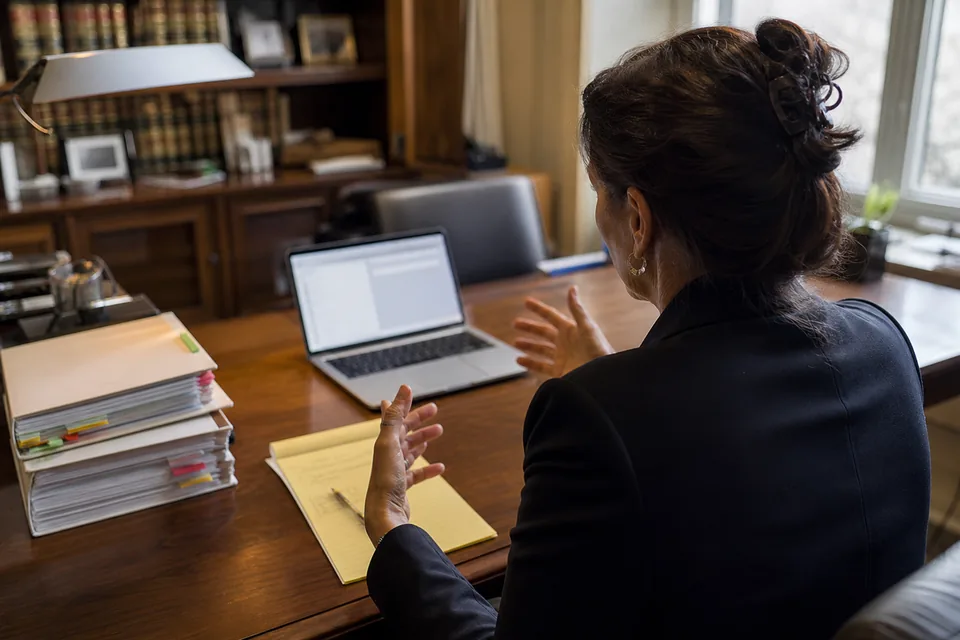
Dictate a few sentences and see the finished text
Try Stenograph on your own voice
Record up to 30 seconds, or pick a ready-made recording, and see clean, formatted text with your terms.
Recording in the demo needs speech recognition, which this browser does not offer. Pick a ready-made recording below to see the formatted result.
Up to 10 words or names, separated by commas. Stenograph spells them exactly as you type them.
More options
This demo uses the speech recognition built into your browser, which may send the clip to your browser's provider. In the Stenograph apps, audio is deleted after processing and your words are never used to train AI models.
Stenograph needs your microphone to record. Your browser asks once, and the microphone is on only while you speak.
- Uploading
- Recognizing speech
- Applying your terms
- Formatting
Your formatted text
What you said
What Stenograph writes
Formatted by the Stenograph demo
Create an account to unlock the full formatted text.
You have used the demo
The one-time demo for this browser is complete. Choose a plan to keep dictating with your own terms in every app.
Professional speech recognition that knows your field
General dictation stumbles on exactly the words that carry the meaning. Stenograph pairs a professional vocabulary with your own dictionary, so names, terms and identifiers come out spelled the way you use them.

-
Lawyers
Case names, citations, party and client names, Latin terms and the structure of a client email or internal memo. Dictation for lawyers keeps the register formal and the spelling exact.
-
Doctors
Drug names, dosages, anatomy and procedure terms, with referral letters and reports laid out the way a clinic sends them. Dictation for doctors leaves the clinical judgment to you and the typing to Stenograph.
-
Managers
Client names, product names and project codes, with replies that open politely and close with a clear next step. Dictation for managers turns a full inbox into a few minutes of talking.
-
Writers
Long passages kept in paragraphs, character and place names held steady across a draft, interviews turned into text. Dictation for writers keeps your voice and drops the filler.
-
Developers
Function names, framework and library names, camelCase and snake_case, with pull request descriptions and specs that read cleanly. Voice coding dictation works in the IDE, the browser and the terminal.

How Stenograph works in three steps
One gesture starts it, one pause ends it, and the text appears where you were already typing. Read the full walkthrough of how ai dictation works.
-
 Listening
⌥Space
Listening
⌥SpaceTap, speak, pause
Press the hotkey on Mac or Windows, or tap the key on your phone keyboard. The microphone is on only while you talk. A natural pause or a second tap ends it, and nothing listens in the background.
-
Text lands at the cursor
Stenograph inserts the finished sentence into the app you are using, whether that is Outlook, Word, Gmail, Slack, Notion or VS Code. No copy and paste, no extra window. A small indicator shows listening, processing and inserted.
-
Fix it by voice
Say "make that a list", "delete the last sentence", "replace Tuesday with Thursday" or "more formal", and the text changes in place. Your hands stay off the keyboard from the first word to the last.
From spoken draft to a client email
This is what an attorney says between two calls, and what Stenograph places in the reply window. Terms from the personal dictionary are marked in the formatted version.

What you said
so um email to Dana Whitlock re the Hartwell matter uh hi Dana just following up on our call so the deposition of the the plant manager is set for Thursday the fourteenth at ten and we still need the maintenance logs from Brennan Logistics before then oh and mention that the motion under rule twelve b six is due on the twenty first okay thanks sign it Mark
What Stenograph writes
Subject: Hartwell v. Brennan Logistics, deposition and next deadlines
Hi Dana,
Following up on our call. The deposition of the plant manager is scheduled for Thursday, the 14th, at 10:00 a.m.
Before that date, we still need the maintenance logs from Brennan Logistics.
Please also note that our motion under Rule 12(b)(6) is due on the 21st.
Thank you,
Mark
- Terms from your dictionary: Brennan Logistics, Rule 12(b)(6)
- Fillers and false starts removed
- Output format: Email

Meeting notes and recording transcripts in the same subscription
Dictation covers what you write. Stenograph also covers what you hear. Record a call or an in-person meeting on your own device. You get speaker labels, a summary, the decisions and the action items with owners. Nothing joins your call as a separate participant.
- Meeting notes with summary, decisions and action items, see the ai meeting note taker
- Upload audio or video files for transcripts with timestamps, see ai transcription
- Export to Word, PDF, TXT or SRT
- Your custom vocabulary applies to transcripts as well as dictation
How Stenograph handles your audio and text
You dictate client matters, patient letters and unreleased plans. Here is exactly what happens to that material.
Stenograph does not claim a HIPAA, SOC 2 or ISO certification. Clinicians follow their own organization's policy on patient identifiers. Read the full description of dictation privacy.
-
Audio is processed and then deleted. It is not stored.
-
Text history is optional. You can turn it off and delete it at any time.
-
Your content is never used to train AI models.
-
Data is encrypted in transit and at rest.
-
Team admins control history settings for the whole workspace.
Work out the return for your own team
The value depends on your documents and your rates, so the calculation is yours. Take the minutes saved on a typical email, letter or note. Multiply by the documents written each week, then by the hourly rate of the person writing them. Compare that figure with the price of the plan.
See pricing- Hours saved each month
- Value of that time each month
- Plan price each month, billed yearly
These are your own figures, so the result is an estimate for your team, not a measured outcome.
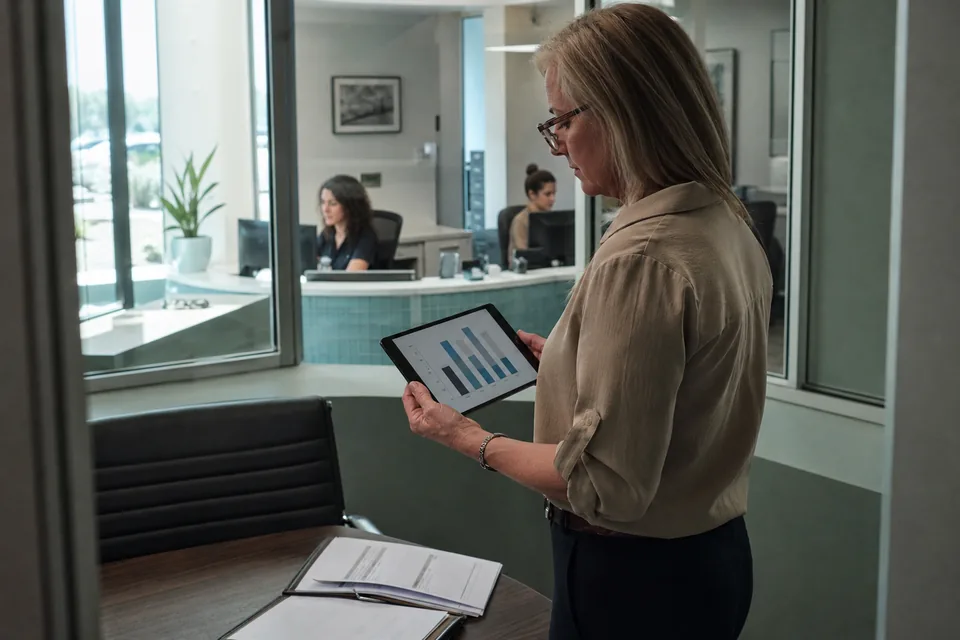
Shared dictionaries keep terminology consistent
One person adds a client name, a product name or a drug, and every member of the workspace gets the same spelling. With a shared dictionary for teams, your firm's language stays consistent across emails, memos and reports.
Administration and billing in one place
- Admin console for adding and removing members
- Shared writing styles for each app
- Central billing with invoices for the whole team
- Usage report by member, so you see where minutes go
- Enterprise adds SSO (SAML), SCIM, audit log and data retention controls
Stenograph plans for professionals and teams
Yearly billing is selected by default and saves 50% against monthly. Every plan includes dictation in all apps, formatting, voice commands, writing styles and more than 50 languages. Limits are counted per month and shown in the app.
Solo
For one professional who dictates every day.
- 1,500 dictation minutes and 300 transcription minutes
- 30 meeting summaries
- 500 custom terms and 1 professional vocabulary
Pro
For heavy dictation plus regular meetings.
- 3,000 dictation minutes and 900 transcription minutes
- 60 meeting summaries
- 2,000 custom terms and every professional vocabulary
Team
For a practice, firm or department of up to 5 people.
- 8,000 pooled dictation minutes and 3,000 pooled transcription minutes
- 200 meeting summaries and 10,000 shared terms
- Admin console, shared dictionaries and styles, central billing, usage report
Enterprise
For organizations of up to 20 seats that need identity and retention controls.
- 30,000 pooled dictation minutes and 10,000 pooled transcription minutes
- 600 meeting summaries and 50,000 shared terms
- SSO (SAML), SCIM, audit log, data retention controls, invoice billing, DPA by email, priority support
| Plan | Monthly price | Yearly price | What is included each month | |
|---|---|---|---|---|
| Solo | 49 USD | 24 USD per month, 288 USD billed yearly | 1 seat, 1,500 dictation minutes, 300 transcription minutes, 30 meeting summaries, 500 custom terms, 1 professional vocabulary | |
| Pro | 99 USD | 49 USD per month, 588 USD billed yearly | 1 seat, 3,000 dictation minutes, 900 transcription minutes, 60 meeting summaries, 2,000 custom terms, all professional vocabularies | |
| Team | 299 USD | 149 USD per month, 1,788 USD billed yearly | up to 5 seats, 8,000 pooled dictation minutes, 3,000 pooled transcription minutes, 200 meeting summaries, 10,000 shared terms, all vocabularies | |
| Enterprise | 999 USD | 499 USD per month, 5,988 USD billed yearly | up to 20 seats, 30,000 pooled dictation minutes, 10,000 pooled transcription minutes, 600 meeting summaries, 50,000 shared terms, all vocabularies |
Cancel any time and keep access until the end of the paid period. Payments are final. Compare every detail on stenograph pricing.
Questions professionals ask before they start
Is the microphone always listening?
No, the microphone is on only while you speak, and a pause or a second tap turns it off.
Does it work in the apps I already use?
Yes, text appears at the cursor in any app on Mac and Windows, in Chrome and on the iPhone and Android keyboard.
Will it spell the words of my field correctly?
You pick a professional vocabulary and add your own terms, and Stenograph spells them exactly as you entered them.
What happens to my audio?
Audio is processed and then deleted, text history is optional and deletable, and nothing you say trains AI models.
Is Stenograph HIPAA compliant?
We do not claim a certification; we describe how audio and text are handled, and clinicians follow their organization's policy on patient identifiers.
Can I edit the text by voice?
Yes, commands such as "new paragraph", "make that a list" and "make it shorter" change the text in place.
Can I mix languages in one sentence?
Yes, Stenograph supports more than 50 languages and keeps mixed speech in the languages you actually spoke.
How are the limits counted?
Each plan has monthly minutes for dictation and transcription, shown in the app, and each cap is fixed for the month.
Can I cancel?
You can cancel any time and keep access until the end of the paid period, and payments are final.
Can I try it before paying?
Yes, the demo on this page runs once on your own voice, and plans start at 24 USD per month billed yearly.
Does Stenograph record my meetings with a bot?
No, you record calls and in-person meetings on your own device, and no extra participant joins the call.
Can my whole team share one dictionary?
Yes, Team and Enterprise plans share terms and writing styles across every member of the workspace.
Write by speaking, starting today
Create your account, add the terms you use every day and let Stenograph do the typing in every app you work in.