BigHand Alternative for Attorneys and Small Law Firms
Stenograph is a BigHand alternative for attorneys who now draft their own documents instead of sending recordings to a secretary. You speak in Word, Outlook or your document system and the text lands at the cursor already shaped as a letter, memo or email, spelled with your firm's names and terms. BigHand is built around routing recorded dictation to support staff. If that workflow is how your firm runs, keep it. If fewer and fewer of your dictations ever reach a typist, the comparison below is for you.
Dictate a few sentences and see the finished text
Try Stenograph on your own voice
Record up to 30 seconds, or pick a ready-made recording, and see clean, formatted text with your terms.
This browser cannot record audio. Pick a ready-made recording below to see the formatted result.
Up to 10 words or names, separated by commas. Stenograph spells them exactly as you type them.
More options
Your clip is transcribed and formatted on our servers, and the audio is deleted right after processing. Your words are never used to train AI models.
Stenograph needs your microphone to record. Your browser asks once, and the microphone is on only while you speak.
- Uploading
- Recognizing speech
- Applying your terms
- Formatting
The one-time demo for this browser is complete. Choose a plan to keep dictating with your own terms in every app.
See pricingWhy law firms look for a BigHand alternative
BigHand is a serious product with a long history in the legal market, and its workflow tools do what they promise. The reasons firms start comparing are usually about how the work itself has changed.
- Fewer secretaries per attorney. In many small and mid sized US firms one assistant now supports several lawyers, so a queue of recordings waiting to be typed becomes the bottleneck.
- Attorneys type their own drafts already. Once a lawyer is writing most emails and short letters directly, a record, send and wait workflow adds a step instead of removing one.
- No published price. BigHand describes subscription pricing tailored to the size of the firm and asks buyers to request a demo or a quote, which slows down a small firm that wants to decide this week.
- Speech recognition sits next to the workflow. BigHand presents speech recognition as part of a wider platform for routing work, while a lawyer drafting alone mostly wants clean text at the cursor in seconds.
- Mac and mixed device firms want one account that works the same on a MacBook, a Windows PC and a phone.
BigHand compared with Stenograph
Facts about BigHand come from its public product pages, which do not list prices, so we do not quote one. Stenograph is our product and is not affiliated with BigHand.
| BigHand Professional | Stenograph | |
|---|---|---|
| Built for | Firms under 50 people that delegate dictation and tasks to internal or external support teams | Attorneys and small firms that draft their own documents and want finished text at the cursor |
| How dictation is used | Record on desktop, smartphone or tablet, attach files, set priority and due date, send to a typist or to speech recognition | Speak into Word, Outlook, your DMS, Gmail or Slack; text is inserted where you are typing |
| Speech recognition | BigHand Speech Recognition platform as part of the workflow | Every plan, with a legal vocabulary, personal and shared firm dictionaries |
| Formatting of the draft | Typist or the recognition output, then reviewed | Letter, memo, email and list shapes applied as you speak, filler words removed |
| Recorded audio | Core of the product, routed as tasks with tracking | Upload recordings for transcripts with timestamps and speaker labels, export to Word, PDF, TXT or SRT |
| Workflow tracking | Sent, processed and completed status, priorities and alerts | Not a secretary queue; usage report by member on Team and Enterprise |
| Deployment | Cloud subscription | Cloud service with Mac and Windows apps, Chrome extension, iPhone and Android keyboard |
| Price as published | Quote on request | Solo 24 USD per month billed yearly, Team 149 USD per month billed yearly for up to five people |
What changes when attorneys stop routing dictation
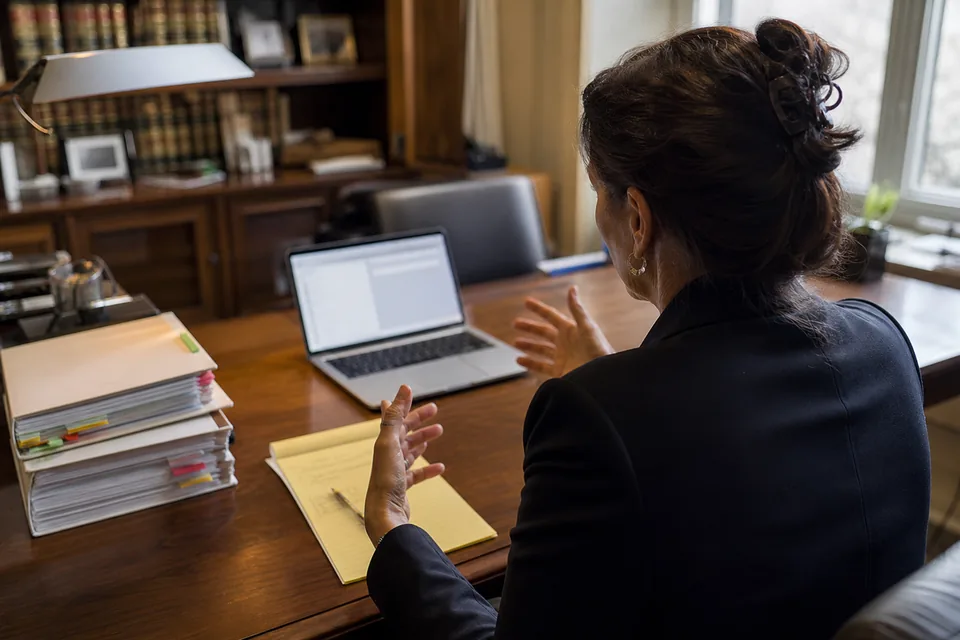
The everyday difference is where the waiting goes. With a workflow system, an attorney records a letter at 10:00, a secretary types it when the queue allows, and the draft comes back for review later that day. With Stenograph, the attorney speaks the same letter into Word at 10:00 and reviews a formatted draft at 10:02.
- Client names, opposing parties, judges and defined terms come from your dictionary, so the draft does not need a spelling pass.
- "New paragraph", "make that a numbered list", "delete the last sentence" and "more formal" work while you dictate.
- A short email to a client gets a greeting, paragraphs and a sign off without you saying the punctuation.
- Your assistant spends time on filings, scheduling and client contact instead of typing routine correspondence.
What stays with your support team
Some work should still go to a person. Long transcription of a recorded interview with poor audio, document assembly with firm templates, and anything your assistant reviews before it leaves the office stay with them. Stenograph produces the transcript or the first draft; your team keeps the judgment.
How to move a small firm off BigHand in one week
-
1
Pick the attorneys who already type their own drafts
Start with the lawyers who send the fewest recordings to the queue. They will see the gain first and become the internal reference for everyone else.
-
2
Build the firm dictionary
Create a Team workspace and add active clients, matter names, local judges, courts and the defined terms you use in engagement letters. Every member gets the same spelling from the first dictation.
-
3
Run both side by side
Keep BigHand for anything routed to support staff. Dictate routine emails, file notes and short letters in Stenograph for a week and count how many drafts go out with only a light review.
-
4
Decide by workload, not by habit
If most of the volume now ends at the attorney's cursor, move those users to Stenograph and keep a workflow tool only where a typist genuinely adds value.
When BigHand is still the better choice
We would rather lose a sale than move a firm to the wrong tool. BigHand is the better fit when:
- Your attorneys dictate and secretaries or an outsourced typing service produce the documents, and that split works for you.
- You need priorities, due dates, file attachments and progress alerts on every dictation, with a supervisor watching the queue.
- Your firm uses BigHand for task delegation and workload reporting beyond dictation.
- Your attorneys rely on handheld recorders and the tracking that comes with routed audio.
For lawyers who draft their own work, on any device, and for small firms that want a published price and setup without IT, Stenograph is the more direct route to a finished document.
What the BigHand alternative costs
Stenograph publishes every price. Solo is 49 USD per month, or 24 USD per month billed yearly, for one attorney. Pro is 99 USD per month, or 49 USD billed yearly, with 900 transcription minutes for recorded interviews and calls. Team is 299 USD per month, or 149 USD billed yearly, for up to five people with a shared firm dictionary and one invoice. Enterprise is 999 USD per month, or 499 USD billed yearly, for up to 20 people with SSO, SCIM and an audit log.
Questions firms ask before replacing BigHand
What is a good alternative to BigHand for a small law firm?
For a small firm where attorneys draft most documents themselves, Stenograph is a strong alternative: legal dictation straight into Word and Outlook, a shared firm dictionary and drafts formatted as letters, memos and emails, at a published price. For firms that route recorded dictation to secretaries, a workflow tool such as BigHand or Philips SpeechLive still fits better.
How much does BigHand cost?
BigHand does not list prices on its product pages. It describes subscription pricing tailored to the size of the organization and directs buyers to request a demo or a quote, so the cost depends on users and modules. Stenograph lists its prices publicly, from 24 USD per month billed yearly.
Does Stenograph replace a secretary workflow?
No. Stenograph is not a queue for routing recordings to typists. It removes the need for that queue on the documents attorneys can now draft themselves by voice, and it transcribes recordings when you upload them. Firms that depend on routed dictation can keep that tool for those users.
Can attorneys still dictate on a phone?
Yes. Stenograph works as a keyboard on iPhone and Android, so you can dictate an email or a file note into any app on the phone, with the same dictionary as on the desktop. Recordings made on the phone can also be uploaded for a transcript.
Is client information safe with Stenograph?
Audio is processed and then deleted, never stored. Text history is optional, your content is never used to train AI models, and data is encrypted in transit and at rest. Whether this meets your confidentiality duties is your firm's decision; the details are on dictation privacy.
More for attorneys and firms
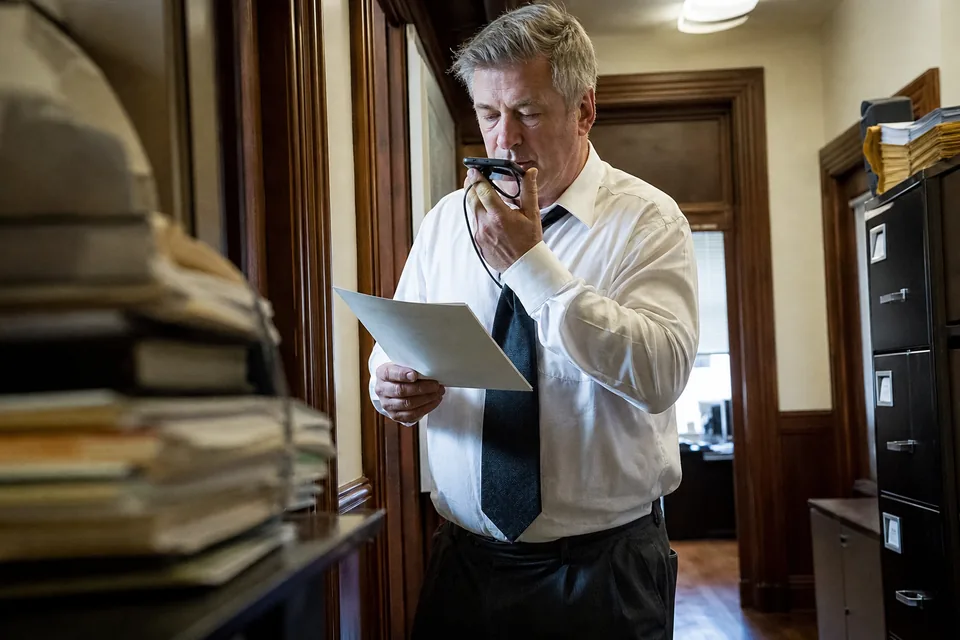
The full overview for law practices is on legal dictation software, and firms also weighing a cloud dictation workflow can read the Philips SpeechLive alternative. Firms leaving a Windows desktop recognizer should read the Dragon Legal alternative comparison, and the best dictation software for attorneys roundup sets BigHand, SpeechLive, Dragon and Stenograph side by side. Most attorneys draft in Word, so dictation software for microsoft word shows the details there, and the shared dictionary for teams page explains how one firm vocabulary reaches every lawyer.
Dictate your next client letter yourself
Add your clients and matters to the dictionary, press the hotkey in Word and speak the first paragraph. The draft arrives formatted and ready for your review.