Meeting transcription app for meetings around a table
Plenty of important conversations never happen on a video call. Site visits, client lunches, partner meetings in a conference room, interviews in a cafe, case conferences in a clinic. Stenograph turns the phone in your pocket into a meeting recorder, and turns the recording into a transcript and a summary you can act on.
 Listening
In-person meetings leave no record
When a meeting takes place in a room, the record is whatever someone wrote in a notebook. One person tries to listen and take notes at the same time, and does neither well. Details agreed verbally, a price, a date, a condition, are remembered differently by each side a week later. A written transcript and a short summary, produced the same day, settle those questions before they become disagreements.
- No notetaker split between listening and writing
- A shared record of what was agreed
- Notes ready before you leave the building
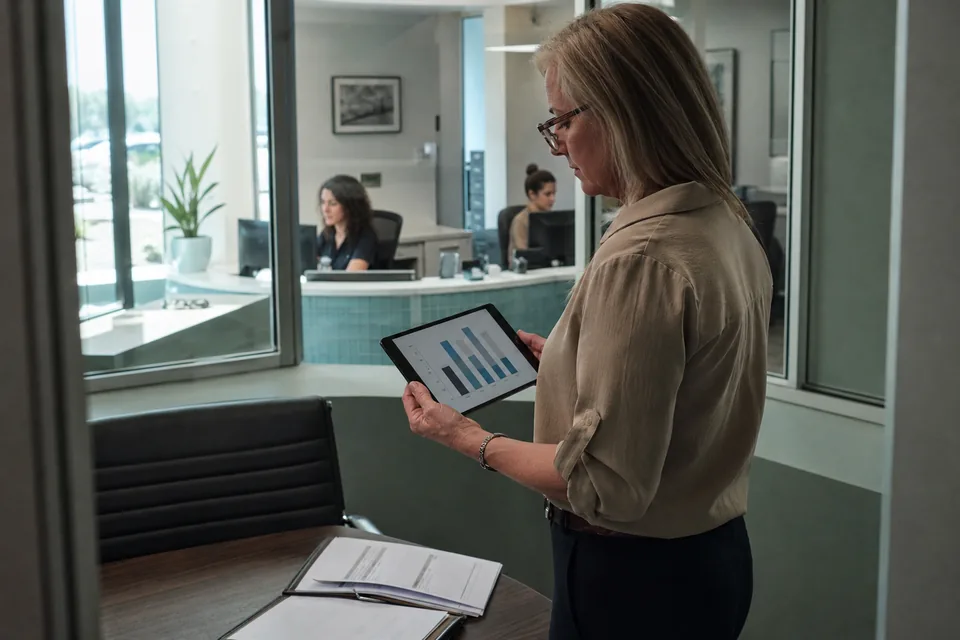
Recording a meeting with your phone
Open the Stenograph app on iPhone or Android, choose meeting mode and place the phone on the table between the participants. Press record when the meeting begins. The screen shows a timer and a live level meter so you can see the phone is picking up every voice. You can lock the phone and recording continues. When the meeting ends, press stop and the recording is sent for processing.
- Place the phone in the middle of the table
- Watch the level meter for quiet speakers
- Lock the screen without stopping the recording
Record only with participants' consent
Before you press record, tell everyone in the room that you are recording and why, and continue only if they agree. Rules on recording conversations differ between states and countries, and in some places every participant must consent. Stenograph shows a reminder before each recording starts, and the responsibility for asking stays with you. A simple sentence at the start, such as saying that you are recording so nobody has to take notes, is usually enough to put people at ease. If anyone objects, stop and take written notes instead; a record made without agreement causes more trouble than it solves.
Transcript and summary from the recording
Once processed, the meeting appears in the app with a transcript separated by speaker and a summary at the top. The summary lists what was discussed, the decisions taken and the action items with the person responsible. Rename the speaker labels to the participants' names and the summary updates with them. Timestamps let you replay the exact moment a figure was mentioned. Your dictionary applies, so project names and client terms are spelled correctly.
- Speaker separated transcript with timestamps
- Summary, decisions and action items
- Names applied throughout after one rename
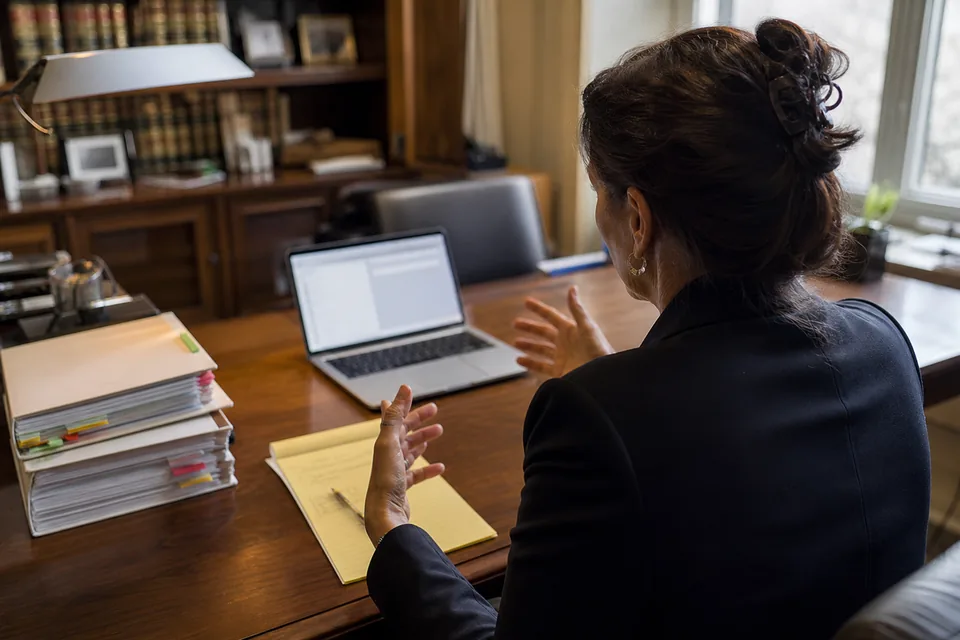
Getting clear audio in a room
Phones record a room well when they are placed sensibly. Put the phone flat on the table, closer to anyone who speaks quietly, and away from coffee machines, air vents and the person tapping a pen. In a long room, move the phone towards the end where the discussion is happening. For meetings in noisy places, a small clip on microphone connected to the phone gives the best results.
- Flat on the table, screen up
- Away from machines and vents
- An external microphone for noisy places
The same app for calls and rooms
Stenograph also records video calls on your Mac or Windows computer without a bot joining the call, as described on the ai meeting note taker page. Rooms and calls end up in the same list of meetings with the same structure, and both can become minutes and follow-up emails with ai meeting notes. If you have older recordings from a dictaphone or a camera, upload them through audio transcription software instead.
Meeting audio is deleted after processing
The recording is processed and then the audio is deleted; Stenograph does not store it. The transcript and summary stay only while text history is on, and you can delete them whenever you choose. What was said in the room is never used to train AI models. Transcripts are protected with encryption in transit and at rest.
Minutes and summaries for regular meetings
A person with a few in-person meetings a week fits comfortably on Solo, with 300 transcription minutes and 30 summaries a month for 24 USD per month billed yearly. Pro offers 900 minutes and 60 summaries for 49 USD per month billed yearly. Teams of up to five people share 3,000 minutes and 200 summaries on Team.
Questions about the meeting transcription app
Does recording continue when the phone is locked?
Yes. Recording keeps running with the screen locked, and the app shows the elapsed time when you unlock it.
What if a call comes in during the recording?
The recording pauses during the phone call and resumes when it ends. The transcript notes the gap.
How many people can it separate?
Stenograph separates several voices in a typical meeting. Clear audio and people speaking one at a time give the best speaker labels.
Do I have to ask for consent?
Yes. Record only with the consent of the participants and follow the recording rules that apply where the meeting takes place.
Can I share the summary with the people who attended?
Yes. Export it to PDF or Word, send it from your email, or share it with members of your Team workspace.
Record your next meeting in the room
Install the app on your phone, ask the room for consent and let Stenograph take the notes.